Jump to content
Latest: Configuring a Bracket Before the Session Starts

What We Cover

The Software Is Where the Plan Meets Reality

A decision to buy the break of a range is an idea until an order leaves the platform. Everything between those two points is configuration: which key sends what, how quantity is set, whether a protective order is attached automatically, and what happens if the connection drops halfway through. None of it is analysis and all of it determines whether the analysis reaches the market intact. It is the least discussed part of the process and one of the most frequently responsible for a bad session.

Hotkeys Are Fast in Both Directions

Binding an order to a key removes the delay of finding a button, which is exactly what a boundary break demands. It also removes the pause during which a mistake would have been caught. A key that sends a live order is indistinguishable, at the moment of pressing, from a key that does something harmless, and the only protection is a layout designed so that adjacent keys cannot produce wildly different consequences.

A Bracket Built in Advance Is a Bracket That Exists

Protective orders placed after entry depend on the trader being calm, connected and available immediately afterwards. A bracket configured before the session begins does not. The stop and the target travel with the entry automatically, which means the position is protected from its first moment rather than from whenever attention returns to it. Configuring this properly takes one quiet hour and removes an entire category of problem from every session that follows.

Failure Mid Trade Is a Scenario, Not an Accident

Platforms freeze, connections drop and data feeds stall, and they tend to do it when volume is heaviest, which is the open. A trader who has not decided in advance what to do in that situation will decide it while holding an unmonitored position, which is the worst possible circumstance for a novel decision. Knowing the broker's phone number and whether the stop is resting at the exchange is preparation, not paranoia.

Configuring the Software

The articles here deal with the execution layer only. They cover hotkey layout and the orders sent by accident, building and testing a bracket before the session opens, and having a written procedure for platform failure while a position is live. They do not discuss which breaks to take or how to read a range, which are decisions made before any of this becomes relevant.

Latest Guides

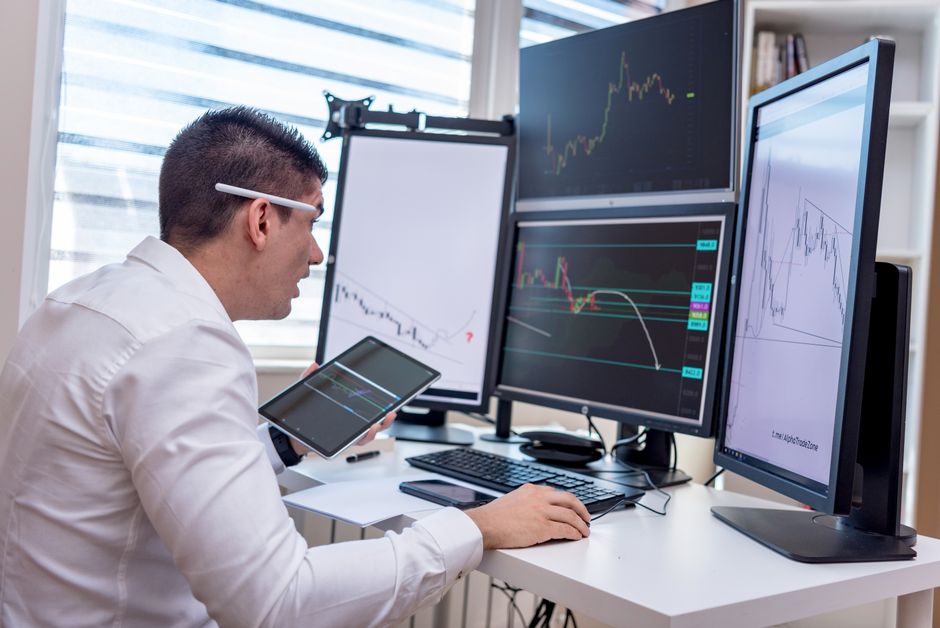
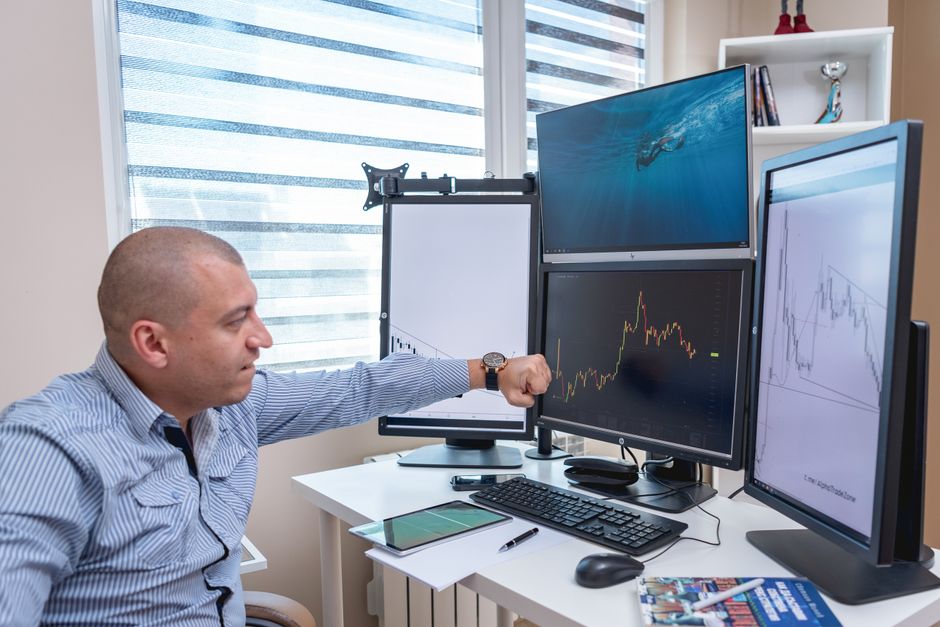
A trader analyzing market trends on multiple monitors at an indoor office desk.

Configuring a Bracket Before the Session Starts

Posted

There is a short window after an entry fills where the position exists and nothing is protecting it. If the stop is placed manually, that window lasts as long as it takes to place it, which on a fast move is exactly when placing it is hardest. A bracket configured before the session removes the window entirely, because the protective orders are submitted by the platform as part of the entry rather than by a person afterwards.

What a Bracket Is Actually Doing
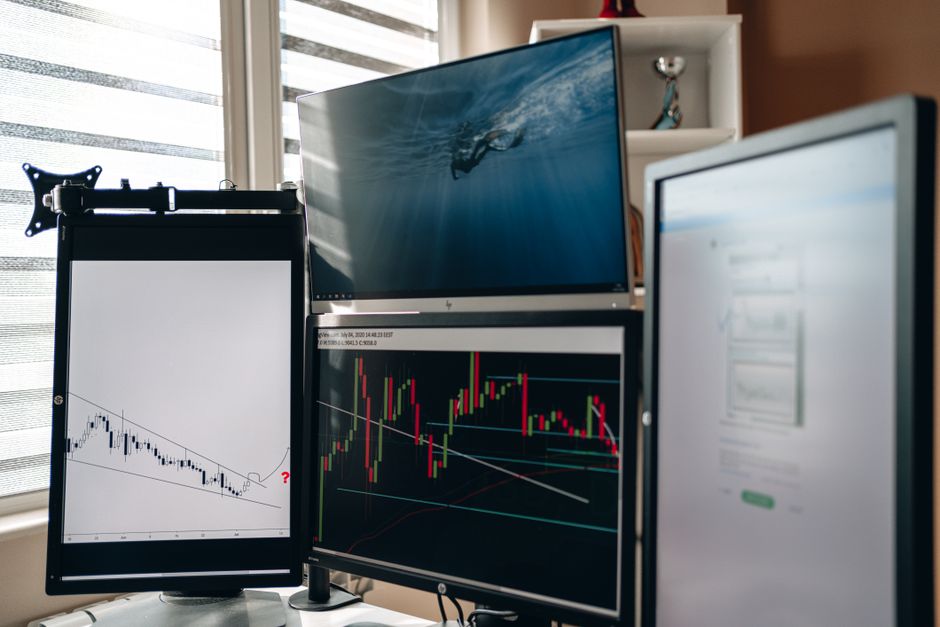
A home office setup featuring multiple monitors displaying trading charts and data analysis.

A bracket ties one or more exit orders to an entry so that filling the entry automatically submits them. Typically that means a stop on one side and a target on the other, linked so that filling either cancels the other. The linkage is the important part. Without it, a filled target leaves a stray stop working, which can open a position in the opposite direction at some later point in the session.

The details of how this is expressed differ between platforms, and the terminology differs more than the behaviour does. What matters is that the arrangement is defined once, saved, and attached to the order rather than assembled in the moment.

Fixed Distances Versus Levels
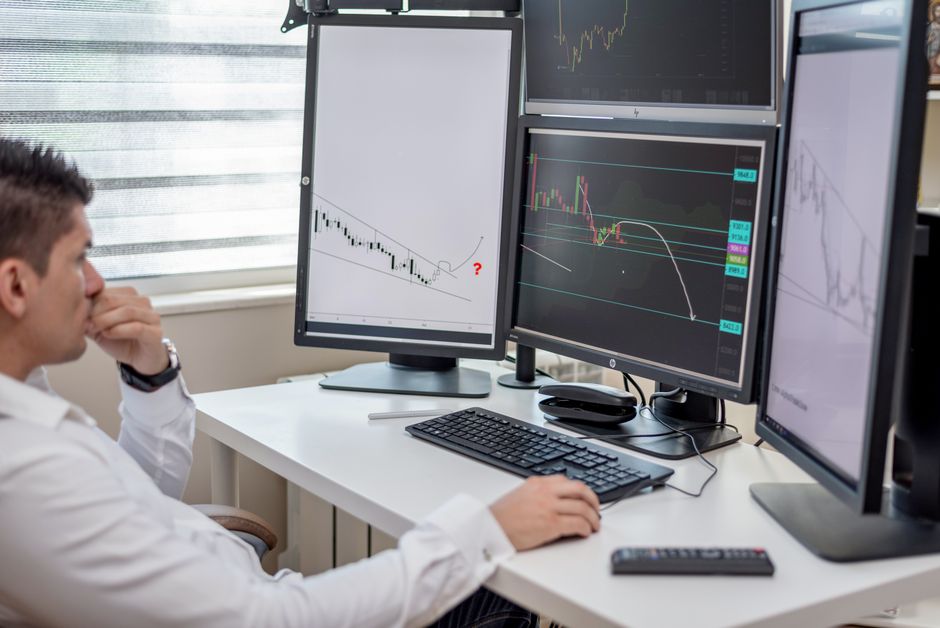
Business professional analyzing financial data on multiple computer monitors at his workspace.

Most bracket configurations express the exits as a distance from the entry price rather than as absolute levels, because the entry price is not known in advance. For an approach that places the stop at the opposite boundary of the range, this creates a small mismatch, since the distance to that boundary depends on the range height and is different every session.

There are two honest ways to handle it. Either the saved bracket uses a distance you adjust once after the range closes and before the trigger, which takes a few seconds in a quiet moment, or the approach uses a fixed stop distance by design and the bracket never changes. Both are workable. What does not work is a saved distance from last week applied without looking, which produces a stop in an arbitrary place that happens to be well defined.

Set It During the Quiet Hour

The configuration itself belongs well before the open, when there is time to read what each field does. Building a bracket while the range is forming means building it under time pressure with the trigger approaching, and that is when a field gets left at its default and nobody notices until a live position behaves unexpectedly.

Once built, the sensible arrangement is to treat the pre-session routine as a check rather than a build. The bracket already exists. The routine confirms it is selected, confirms the distances are appropriate for today, and confirms the quantity is what you intend.

Verify Where the Stop Lives

Not every protective order rests at the exchange. Some platforms hold the stop locally and submit it only when the trigger price is reached, which means the protection depends on the platform being running and connected. That is a meaningfully different guarantee from an order that sits on the exchange and works regardless of what happens to your machine.

This is worth establishing explicitly rather than assuming, because both arrangements look identical on screen. A resting order and a locally held one are drawn the same way. The difference only becomes visible during a disconnection, which is precisely the moment when finding out is too late.

Test It With Something Small

A bracket configuration should be proven by using it, not by reading the settings screen. Simulation is a reasonable first pass and will catch the obvious errors, but simulated fills do not always behave like real ones and the linkage between exits is worth confirming against a live venue.

The test that answers the most questions is a single small position taken deliberately for that purpose. Let the entry fill, confirm both exits appeared, confirm they are at the distances you expected, then close one side and confirm the other cancelled itself. That is a few minutes of work and it substitutes measurement for assumption on the one part of the process that is supposed to operate without you.
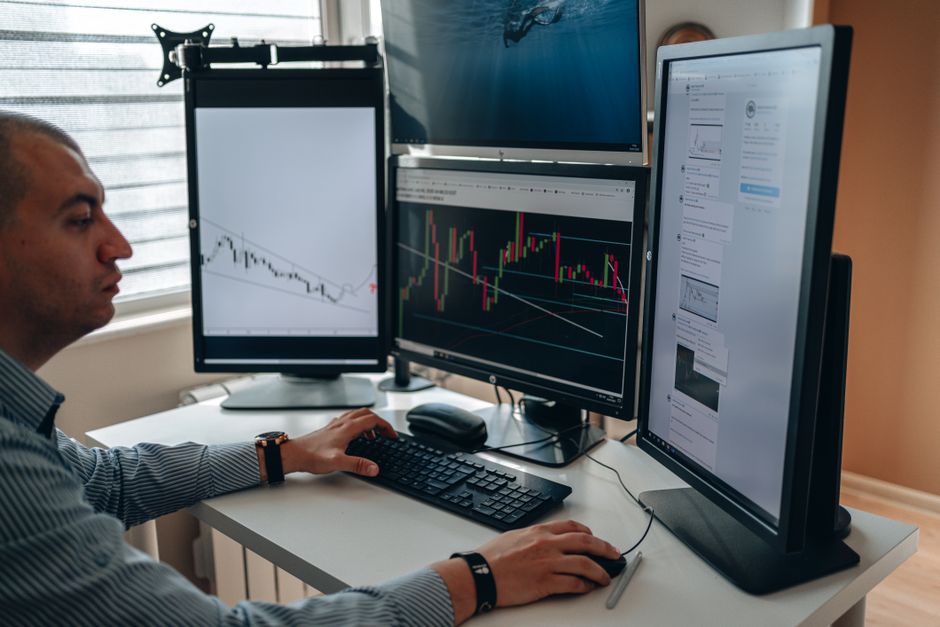
A professional in an office analyzing financial charts on multiple monitors, using advanced technology.

Hotkeys and the Order You Send by Accident

Posted

Hotkeys exist because clicking is slow and a boundary break does not wait. They work. The speed is real and on a fast move it is the difference between the intended price and a considerably worse one. What is less often discussed is that the same property which makes them fast, the absence of any intermediate step, also removes every opportunity to notice that the wrong thing is about to happen.

The Pause You Deleted Was Doing Something

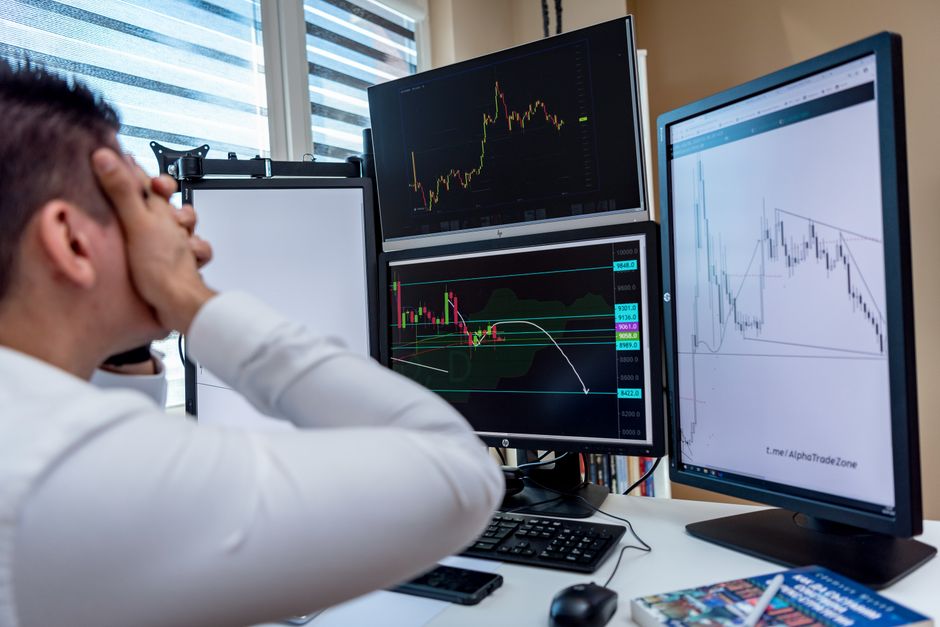
Frustrated man monitoring multiple trading graphs on computer screens in an office setting.

Sending an order through a form involves reading the quantity, seeing the side, and confirming. That sequence is slow and it is also a series of checkpoints. Each one is a moment where a wrong number or a wrong direction can register before it becomes real.

A hotkey compresses all of that into a single physical action with no feedback until the order is already working. The trade off is deliberate and usually correct for this kind of entry. It just needs to be recognised as a trade off, because the natural reaction after a mis-sent order is to blame concentration, when the actual cause is a layout that permitted the slip.

Adjacency Is the Main Risk

A man analyzing stock market graphs on multiple screens at a workstation.

Most accidental orders are not caused by pressing something unrelated. They are caused by pressing the key next to the intended one. This makes the physical arrangement of the bindings more important than the bindings themselves.

The principle is that neighbouring keys should have similar consequences, and dissimilar consequences should be physically far apart. Buy and sell adjacent to each other is the obvious mistake and a common one. Flatten the position next to double the position is worse. Anything that reverses direction deserves to be somewhere your hand does not rest.

Quantity Deserves Separate Treatment

A binding that sends an order at whatever quantity happens to be loaded is a quiet hazard, because the quantity was set at some earlier point and may not be what you assume. Sizing that carries over from a previous trade, or from testing, or from a different instrument entirely, produces an order that is correct in every respect except the one that matters.

Either the size should be explicit in the binding itself, so that a given key always sends a known quantity, or the current quantity should be displayed somewhere prominent enough that you cannot press the key without having seen it. Relying on remembering what it was set to is the arrangement that eventually fails.

Separate the Destructive Keys

Some actions can be undone at modest cost. An unwanted entry can be closed, usually for a small loss. Other actions cannot. Cancelling every working order, including a protective stop, leaves a position exposed with nothing beneath it, and the trader may not realise the stop is gone until price has already moved.

Bindings of that kind belong in a different region of the keyboard, ideally requiring a modifier, and ideally not in the group your fingers reach for during normal operation. The inconvenience is the point. An action whose consequences cannot be reversed should cost slightly more effort than one that can.

Test Them Where It Cannot Cost Anything

Every binding should be exercised in a simulated environment before it is used live, and not just once. Press each key deliberately, confirm exactly what it produced, and then press the keys around it to see what a slip would have done. That second half is the part people skip and it is the part that finds the dangerous adjacencies.

The same exercise should be repeated after any change to the layout, after a platform update, and after any period away from the desk. A binding you configured months ago and have not used since is a binding you remember approximately, and approximately is not good enough for an action that completes the instant your finger lands. Muscle memory is what makes hotkeys valuable and it is also what sends the order you did not mean to send, from a layout that changed while your hands did not.

Two businessmen enthusiastically analyzing market charts on computer monitors in a modern office.

What to Do When the Platform Fails Mid Trade

Posted

The chart stops updating. Or the platform stops responding to clicks while still displaying prices, which is worse, because it looks functional. Somewhere behind that frozen window there is a position, and whether it is still protected depends on decisions made before the session rather than anything you can do in the next thirty seconds.

Establish What Is Still Working

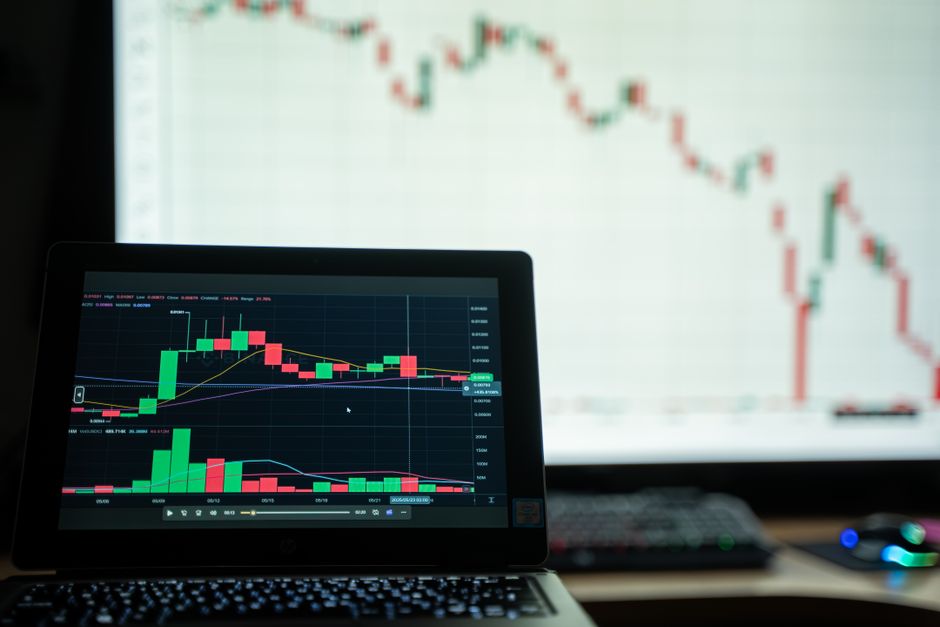
Close-up of a laptop showing cryptocurrency market charts in a trading environment.

The first question is what failed, because the answer changes everything that follows. A dropped internet connection on your side leaves resting orders untouched at the venue. A platform that has crashed locally does the same, provided the protective orders were resting rather than held on your machine. A broker side outage is different again and may mean nothing you submitted is being acted on.

These look almost identical from a frozen screen. Distinguishing them requires a second channel, which is why the preparation matters more than the reaction. A phone with mobile data, a browser platform that does not depend on the desktop application, and any status page the broker publishes will separate the cases in under a minute if they are ready before they are needed.

Assume the Position Is Live

A trader confidently viewing stock market charts on multiple monitors in a modern workspace.

The dangerous assumption is that a frozen platform means a frozen position. It does not. The market continues and the position continues with it, and the fact that you cannot see it changes nothing about what it is doing.

So the working assumption during any failure should be that you are exposed until proven otherwise. This is the opposite of what the screen suggests, because a screen showing stale data feels like a paused world. Acting on the assumption of exposure occasionally means an unnecessary phone call. Acting on the assumption of safety occasionally means discovering a much larger loss than the plan permitted.

The Phone Call Is the Real Backup

Every broker has a desk that can flatten a position and cancel orders by telephone. That number should be stored in your phone, not on the machine that just failed, along with your account identifier and whatever they use to verify you.

It is also worth having called it once when nothing was wrong, simply to learn how long it takes to reach a human and what they ask for. Discovering the verification requirements for the first time during an outage, with a position open, is a poor use of the only minutes available. The call is not a last resort to be used reluctantly. On a platform failure it is frequently the fastest route to a known state.

Flatten Rather Than Manage

Once contact is established, the temptation is to try to preserve the trade, adjust the stop, or wait a little longer to see whether the platform recovers. That is managing a position you cannot see, using information that may already be stale, through a channel that is slow.

The more defensible default is to close the position and reassess with everything working. A trade abandoned during an outage that would have worked is a modest cost. A trade held through an outage that went badly while you had no visibility and no reliable way to exit is a different order of problem, and it is the scenario the procedure exists for.

Write It Down and Rehearse the Boring Parts

All of this should exist as a short written procedure, kept somewhere accessible without the failed machine. What to check first, which number to call, what to say, and the default action. Three or four lines is enough.

The rehearsal is equally short. Confirm the phone number still connects, confirm the backup access still logs in, confirm you know whether your stops rest at the venue, and do it occasionally rather than once. Backup access expires quietly, passwords change, and applications get uninstalled during a tidy up. A recovery plan that has not been checked in a year is a plan you believe you have, which during an outage is indistinguishable from having none.

Back to top